
Photo certification
Captured, not generated.
Your hero shot. Certified.
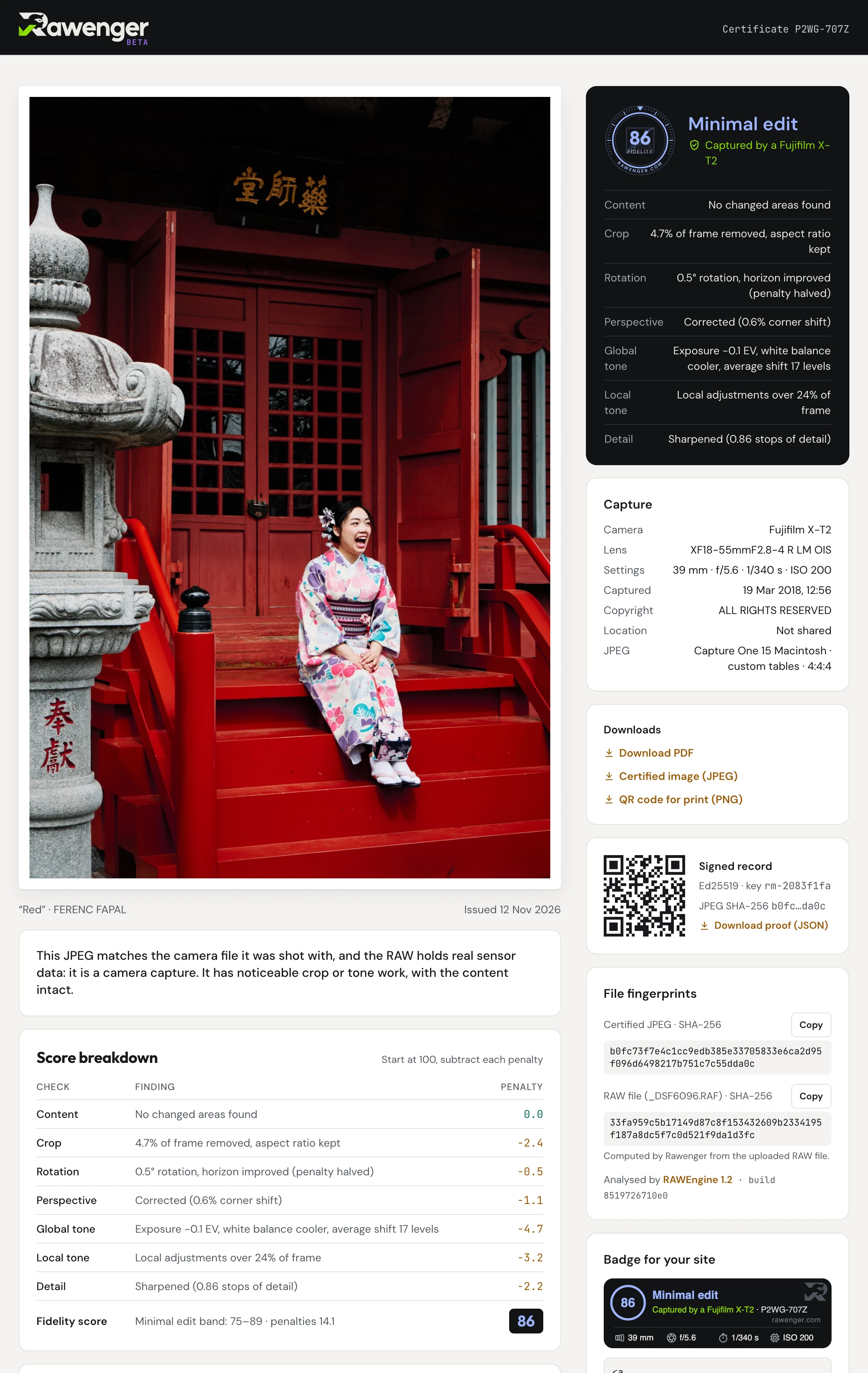
Add the RAW file from your camera and the JPEG you want to publish. We check it was captured by a camera, then rate every edit between capture and final image in one fidelity score from 0 to 100.
- Content added or removed
- Crop
- Rotation
- Perspective
- Global tone
- Local tone
- Detail
- Free during the beta
- Your RAW is read in your browser
- Signed, public certificate
- Embeddable badge

Certify a photo
Free during the beta. Checking a photo needs no account; issuing its certificate needs a free one. Certificates issued during the beta stay free and online.
1 · RAW file
Stays on your deviceSupported:
CR2, CR3, NEF, NRW, ARW, RAF, ORF, RW2, PEF, DNG.
2 · Final JPEG
Use the same frame as the RAW. Exported from Lightroom, Capture One, the camera itself or any editor.
3 · What to check
4 · What leaves your device
Nothing is sent until you press Start verification.
Sent to Rawenger
- Camera previewThe JPEG your camera hid inside the RAW. It is the reference we compare against.—
- Your final JPEGCompared with the preview. Shown on your certificate.—
- Camera details and fingerprintCamera, lens, settings, capture time and a SHA-256 hash of the RAW.—
Stays on your device
- RAW fileOnly its fingerprint is sent. Choose “Score + sensor proof” in step 3 to send it.—
How it works
Step by step →Read the RAW in your browser
The camera's own preview, its metadata and a fingerprint are extracted locally. The RAW is not uploaded unless you ask for the sensor check.
Align and compare
Your JPEG is aligned to the preview. We measure crop, rotation, perspective, tone and detail.
Look for content changes
Anything added, removed or altered after tone is accounted for is marked, and can never earn a fidelity badge.
Get a signed certificate
A public page, an embeddable badge and a signed proof anyone can check.
Badge levels
Score = 100 minus penalties. A content change overrides any score.